Main Window Layout
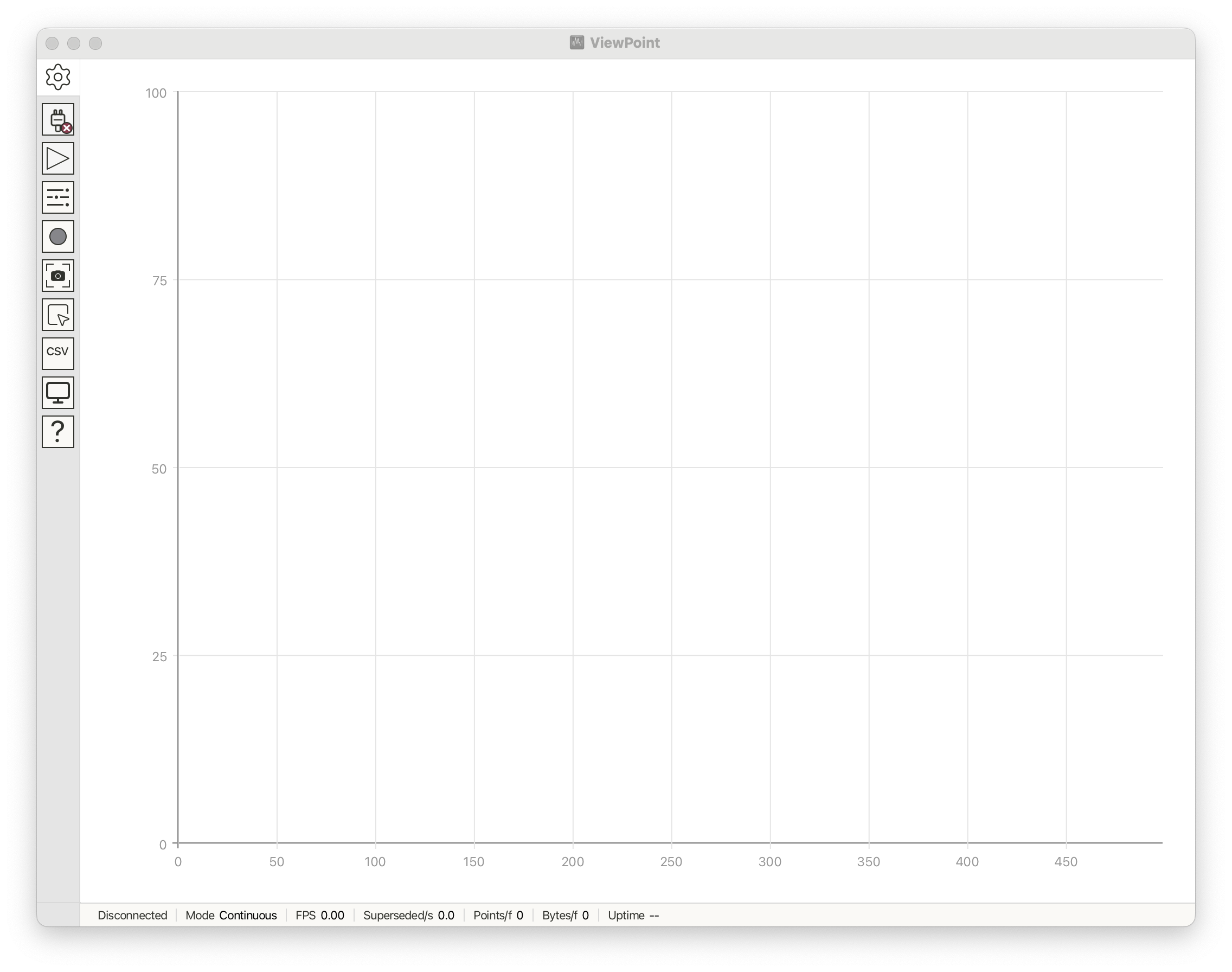
The VoidLoop ViewPoint™ window is organized into several main areas:
- Sidebar — a vertical icon strip on the left edge. Each icon opens a feature or toggles a control.
- Canvas — the central area where plots are rendered.
- Side Panel — opens to the right of the canvas when you click certain sidebar icons (Settings, Controls, Analysis).
- Diagnostics — a status bar at the bottom of the canvas with current information about the connection, update rate, and errors (if any occur).
- Additional Windows — the Serial Monitor and About dialog open in a separate window.